
Repeated tasks are handed over to automation, and high-risk actions continue to be confirmed by humans.
Stop running your Shopify store through manual follow-ups
First pick something that is done repeatedly every day and has clear rules. After running smoothly, we can then connect inventory, customer service and other systems.





First draw repetitive tasks into processes, and then talk about automation
Flow
Use triggers, conditions, and actions to handle tasks with well-defined rules.
knowledge base
Let customer service, content and internal collaboration reference the same reviewed information.
manual review
High-risk actions such as price changes, refunds, and releases require manual confirmation.

Leave repetitive operations to the system and leave judgment to the team
Abnormal orders, low inventory and high-value customers can automatically alert the person in charge.
Application and system integration
Connect Shopify, email, customer service, logistics, and data tools with APIs or ready-made connectors.
The system will do it only if the conditions are written clearly.
Write down the order amount, inventory, customer tags and other conditions into clear rules to avoid relying on human notes.
If the status changes, please notify us immediately
Notify the person in charge or take the next step as soon as the order, inventory or customer status changes.
Judgment, waiting and approval are strung together
A process can connect judgment, waiting, approval and external system actions, and leave logs.
Start with a small process first, and then gradually add more

Connect business systems
First confirm what fields each system can read and write, who is the master data, and who will handle it if it fails.


Design automation processes
Draw triggers, conditions, actions and manual confirmations in a flow chart.


Run it first with the test order
First use test orders to run normal, abnormal and repeated triggers, and then enable automatic execution.

After running stably, I will connect more systems.
First prove that a process is stable, and then take on more scenarios such as orders, inventory, customer service, and content.
The more complex the process, the more it needs to be understandable
Precipitate common operations into templates to reduce reliance on personal experience.
- Reduce repetitive operations.
- Reduce process complexity.
- Remind when it’s time to remind, stop when it’s time to stop.
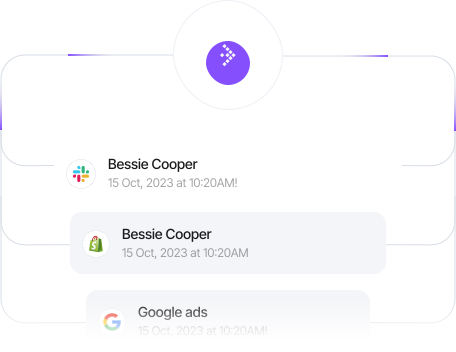
Automatic reminders and notifications
Notify people of low inventory, abnormal orders and content to be reviewed in a timely manner.

Multi-step business logic
Judgment, waiting, approval and external actions can be strung together into a process.
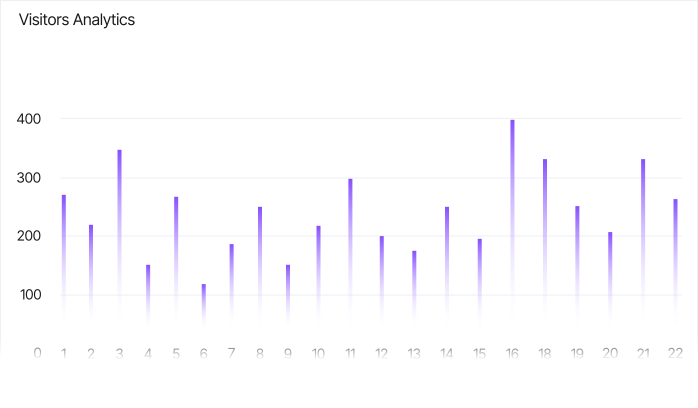
As business volume increases, there is no need to add people proportionately
First complete tasks with clear rules, and then slowly expand to more scenes.

Automatically adapt to market and execution time
Multilingual customer service first checks the brand information to reduce the chance of answering incorrect questions.
It’s not to save a few clicks, it’s to save fewer mistakes
Reduce repeated entry and operation errors, while retaining exception reminders, manual review and operation logs.
Reduce duplicate entry and cross-table copying
Reduce duplicate entry and cross-table copying
Reduce manual errors
Reduce manual errors
Improve team collaboration efficiency
Improve team collaboration efficiency
Leave time for things that require judgment
Leave time for things that require judgment
As business volume increases, there is no need to add people in the same proportion
As business volume increases, there is no need to add people in the same proportion
Choose the right process first, then decide on the scope of implementation
Run a high-frequency task stably first to confirm that it really saves time, and then connect more systems.
First confirm the trigger conditions, permissions, exception handling and manual rollback, and then evaluate the implementation scope.
Project Scope Reference
Evaluation by process and interface
Suitable for single scenarios such as low inventory reminders, order marking, and customer grouping.
Ideal for multi-step flows, external system connections, and content flows with moderation.
Suitable for cross-market, cross-team and high-authority operations, processes that require long-term maintenance.
What’s included:
- Shopify Flow Automation
- Data and rights management
- Multi-market operation
- Collaborate across teams
- Operational Automation and System Integration
- Order process automation
- Customer Service Automation
- Content publishing automation
- Marketing data synchronization


First check permissions, abnormal branches and manual takeover methods, and then enable automatic execution.
Content generation first references brand information, and then enters the review and publishing process.
Precipitate common operations into templates to reduce reliance on personal experience.
Keep logs of key processes to facilitate troubleshooting errors and tracking responsibilities.
Order exception reminder
When a high-risk order, payment failure, or refund condition is triggered, the person in charge is notified first and the order context is attached, and the next step is decided manually.
Inventory and replenishment signals
Trigger alerts based on inventory thresholds, sales speed, and arrival cycles, allowing procurement and operations to handle them in advance instead of waiting for out-of-stocks to be remedied later.
Customer segmentation and labeling
Update customer tags based on browsing, purchase, and lifecycle to provide the same traceable grouping basis for email, customer service, and repurchase operations.
System synchronization and verification
Sync necessary fields across Shopify, customer service, logistics, and data tools, and set clear processing branches for missing, duplicate, and format exceptions.
Content publishing collaboration
Stretch topic selection, materials, translation, review and publishing into a clear process; AI can assist in sorting out the first draft, and the brand judgment is still confirmed by the person in charge.
Task assignment and approval
Automatically create tasks based on events and responsible persons, retain approval nodes, deadlines, and processing records to reduce cross-group inquiries and missed responsibilities.
Failure retry and manual takeover
Each key piece of automation must have failure reminders, retry rules, and pause entries so that you can quickly return to manual processing when exceptions occur.

Review and continuous optimization
Regularly check the number of triggers, failure reasons, manual intervention and business results, and only retain processes that truly save time and have controllable risks.
Prioritize tasks with high frequency, clear rules, and verifiable results, such as low inventory reminders, order marking, customer grouping, cross-table synchronization, and content approval; retain manual confirmation for high-risk decisions.
Flow consists of triggers, conditions, and actions. First use a sample order or run the verification manually, and then check the running log to confirm that there are no repeated triggers or omissions.
Email, CRM, forms, ERP and internal systems can be connected through Shopify Flow connectors, application actions, HTTP requests or custom interfaces. The final scope depends on the open interfaces and permissions of each system.
Let AI first reference the reviewed brand information or knowledge base, retain the source when outputting, and add manual review and permission restrictions before publishing, refunding, price changes and other actions.
Keep test samples, version records and running logs; set reminders for failures, timeouts and abnormal results, and prepare deactivation switches and manual alternative paths for key processes.
Common Flow processes can be configured using the visual editor; when custom APIs, complex data conversion, or cross-system authentication are involved, they are handled by developers.
 English
  简体中文
简体中文  日本語
日本語  香港中文
香港中文  Deutsch
  繁體中文
繁體中文